WooCommerce
Fetch orders, review waiting lists, link products, update statuses, and keep Woo sync feedback visible to operators.

EcomCountant connects WooCommerce operations with accounting discipline, from order intake and packing to delivery posting, settlements, product costs, and performance reports.
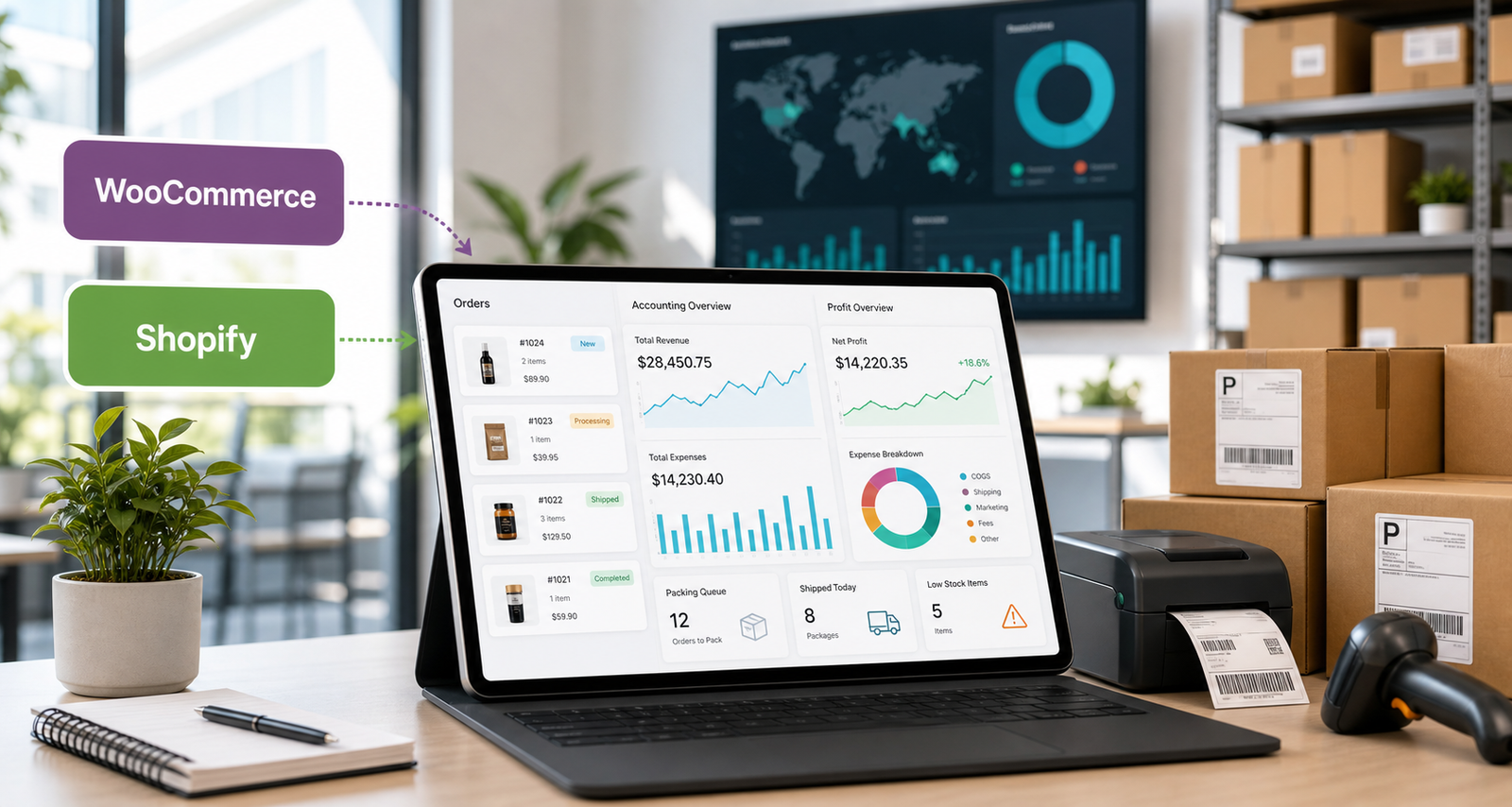
EcomCountant is built for sellers that need order control, delivery flow, cost discipline, and finance reporting without switching between spreadsheets and platform tabs.
Fetch orders, review waiting lists, link products, update statuses, and keep Woo sync feedback visible to operators.
Create stores as Shopify-ready, separate platform credentials, and keep the UI prepared for Shopify order operations.
The platform keeps operational work close to financial truth, so teams can move orders fast without losing margin visibility.
Manual orders, imported orders, bulk status changes, duplicate phone warnings, and clear operator actions.
Track buying cost, packaging, line pricing, and local product matching across WooCommerce or Shopify stores.
Push ready orders to delivery partners with store-scoped keys, request tracking, and error visibility.
Keep sales, ad spend, COGS, settlements, remaining value, and monthly profit in one reporting surface.
A focused operating rhythm for brands selling through WooCommerce, Shopify, and cash-on-delivery logistics.
Each screen supports a specific back-office job, from the person creating orders to the owner checking monthly profit.
Create orders, filter queues, bulk update statuses, and avoid mistakes when one phone has more than one active order.
Move orders into packing, assign delivery partners, and keep request statuses visible when orders are sent out.
See monthly profit, Meta ad spend, product cost impact, and remaining processing value without rebuilding spreadsheets.
Use the existing secure login to continue into the operational dashboard.